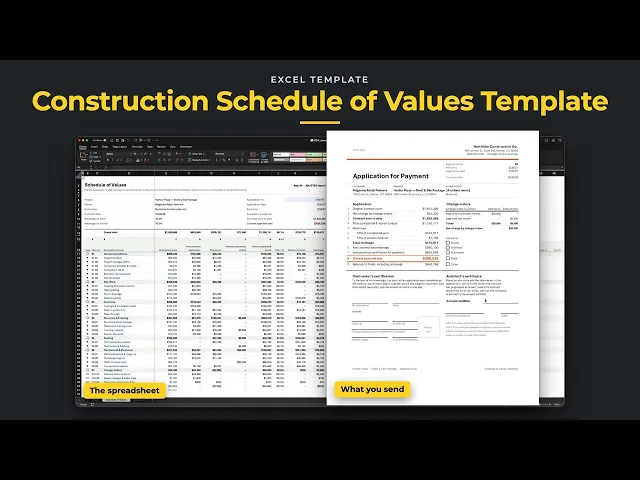
Put together your monthly pay application in one workbook. List the contract once on the Schedule of Values, then each month pick the next application and type the work done that period. Everything billed before carries forward by itself, so the previous billing, retainage and current payment due work themselves out. The Application tab prints the cover page, with the schedule of values behind it.
Excel 2021
Excel 365
Excel Table · grows as you add lines
No macros
Nothing locked
Built for general contractors and subs who bill monthly against a schedule of values, with retainage held back. The pages are laid out like the AIA G702 and G703. They aren't the official AIA forms, so if your contract requires those, copy the numbers across.

Sample jobs for illustration. Numbers vary by market.
01
Pick the application number and type this period's work in its column. From previous application, total completed, balance to finish and retainage all fill in by themselves.
02
Each line keeps its own billing history for 24 applications. Pick an earlier one and both pages reprint it the way it went out, so last month's pay app is never lost.
03
Stored materials carry forward as a balance until they're installed. A change order stays gray and uncounted until you pick the application it was approved in.
04
Set retainage on work and on stored materials. Lower it partway through the job and the earlier applications keep their old rate.
Unlock the library and get this ready-to-use template, with all tabs, formulas, and workflows already connected, plus every other template in the collection.
once
This template plus the other three, built and tested.
- Construction Bid Template
- Job Costing Tracker
- Construction Project Tracker
- Schedule of Values