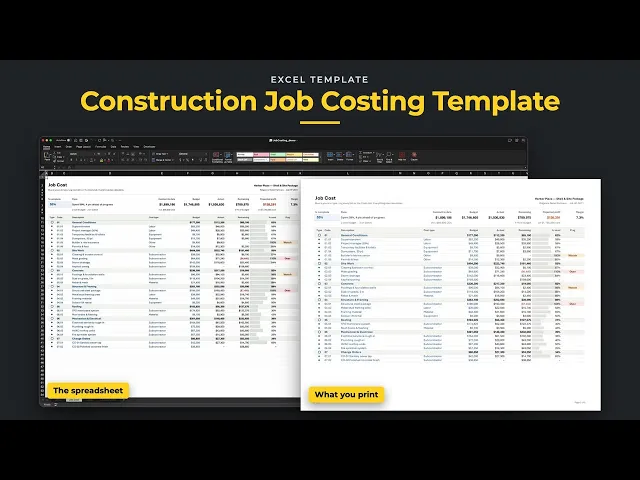
Track what a job is costing you against the budget you set for it, line by line. Give each cost line a budget, then log every bill on the Costs tab as it comes in. Each bill lands on its line by code, and the Job Cost tab shows actual, remaining and % used, with a flag on any line that's over budget or getting close. The strip across the top shows the contract, budget, actual, pace and projected profit.
Excel 2021
Excel 365
Excel Table · grows as you add lines
No macros
Nothing locked
Built for contractors who want to know where a job stands before the last bill comes in. Use one file per job, any size and any trade. The budget can come straight from the Bid template, so the numbers you bid are the numbers you track.

Sample jobs for illustration. Numbers vary by market.
01
Log each bill on the Costs tab with its date, code, vendor and amount. It lands on the matching budget line, and a Check column flags a missing code, an amount pasted as text or a bill entered twice.
02
Each line shows actual, remaining and % used. A line turns red when it goes over budget, and amber on Watch once it passes the share you set on Setup, 90% to start.
03
Type how far along the job is. The top of the sheet compares that with what you've spent, says whether you're ahead or behind, and works out the projected profit and margin.
04
Log each change order with its status, and only approved ones add to the contract. Until an approved one has its own cost line, a red note says so, so it never shows up as pure profit.
Unlock the library and get this ready-to-use template, with all tabs, formulas, and workflows already connected, plus every other template in the collection.
once
This template plus the other three, built and tested.
- Construction Bid Template
- Job Costing Tracker
- Construction Project Tracker
- Schedule of Values