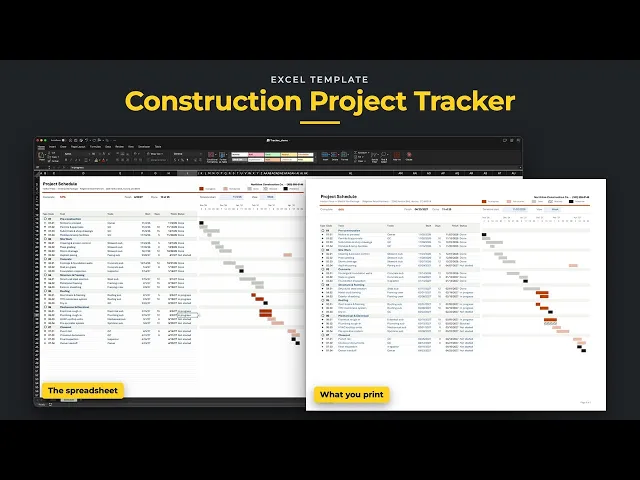
Turn your job's task list into a Gantt chart you can print and share. List phases, tasks and milestones, then type when each task starts and how many work days it takes. Finish dates work themselves out, skipping weekends and your holidays, and the bars draw themselves on the timeline. Mark each task Not started, In progress, Done or Blocked, and the chart shows where the job stands.
Excel 2021
Excel 365
Excel Table · grows as you add lines
No macros
Nothing locked
Built for builders and trades who run a job week to week and need one schedule everyone can read. It's set up for construction, but it works for any project with tasks, dates and people doing the work.

Sample jobs for illustration. Numbers vary by market.
01
Type a start date and a number of work days. Finish works itself out and the bar fills the timeline. Pick ◯ for a phase, ◆ for a task and ★ for a milestone, and the codes number themselves.
02
Set your work week and holidays on Setup once. Every finish date skips your days off, and a task that starts on a weekend counts from the next work day.
03
Switch between 26 weeks and 26 days, with weekends and holidays shaded. Start the chart on any week to look ahead, then print it landscape for the site meeting.
04
Set each task to Not started, In progress, Done or Blocked, and its bar changes to match. The top of the sheet shows % complete by work days, the finish date and how many tasks are done.
Unlock the library and get this ready-to-use template, with all tabs, formulas, and workflows already connected, plus every other template in the collection.
once
This template plus the other three, built and tested.
- Construction Bid Template
- Job Costing Tracker
- Construction Project Tracker
- Schedule of Values