Project Tracker with Dependencies
Build the schedule once. Let it update itself.
Built in Excel and Google Sheets for contractors who want a real project timeline that shifts automatically when tasks change.
One-time payment includes full access to the template library.
2,600+
Customers
5,200+
Template Downloads
70+
Countries
4.8
Avg. Rating on Etsy
"Once I understood the dependency column, it clicked. Updating one task and watching the rest shift saved me from redoing the schedule every week."


Monica
Excel
Google Sheets
BUILT FOR CONTRACTORS
Built for schedules with real sequencing.
Build a timeline that holds up
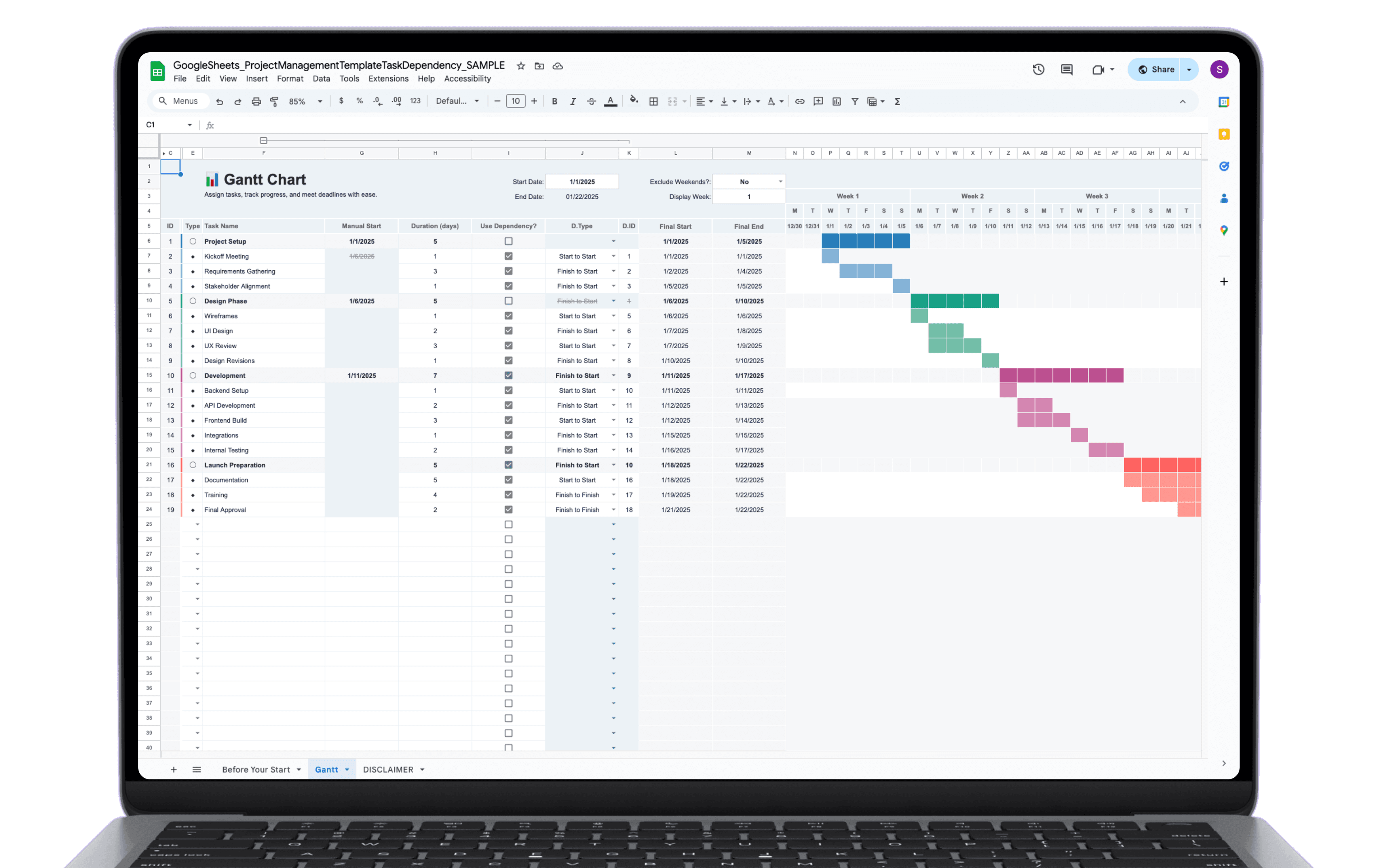
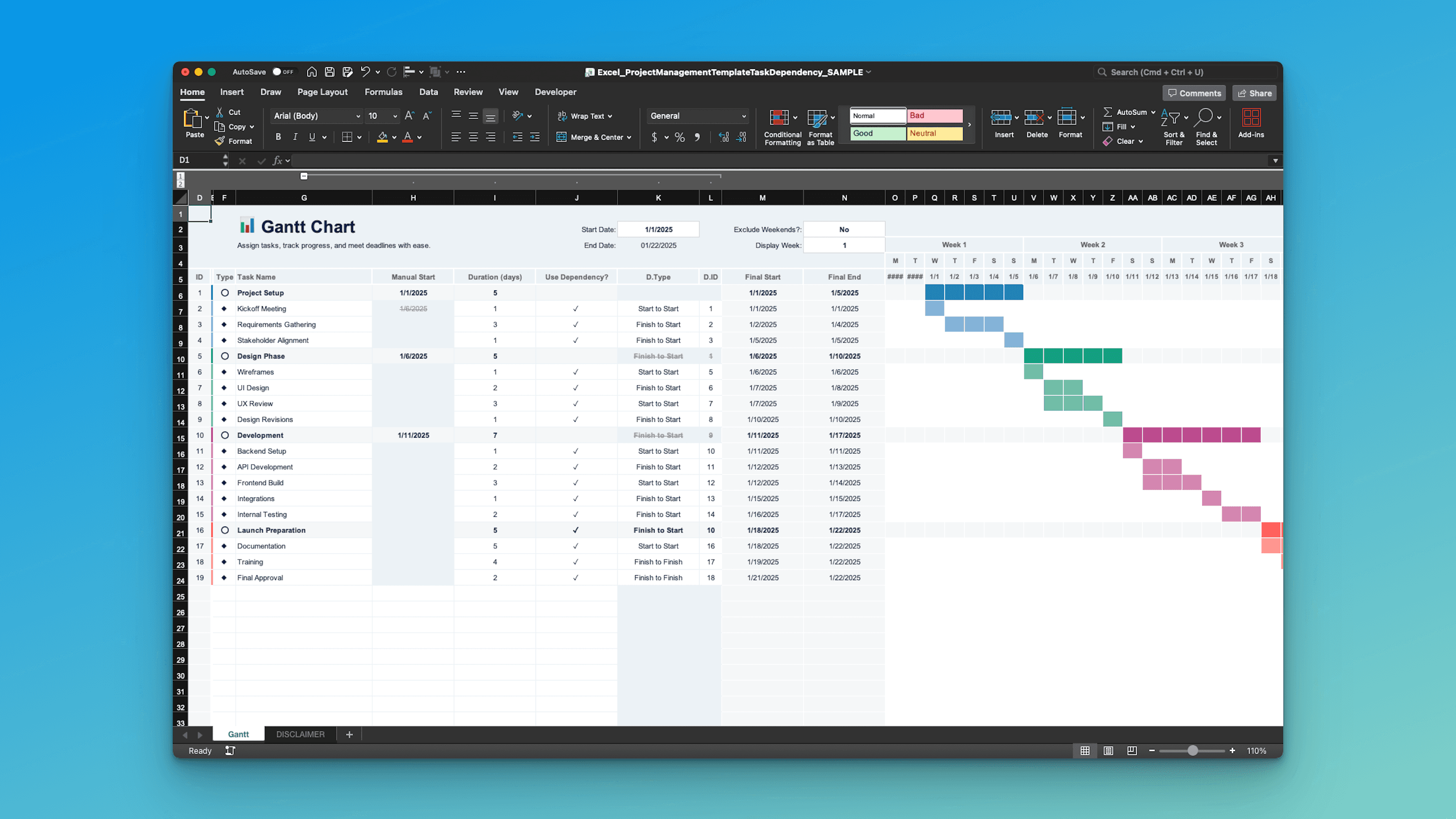
True task dependencies
Tie tasks together so one change updates everything downstream.
Duration-driven scheduling
Enter duration once. Dates calculate automatically as the plan shifts.
Catch risky overlaps
Spot conflicts and bottlenecks before they turn into field delays.
Update once, watch the plan adjust
Auto-reschedule when dates move
Shift a start date and dependent tasks roll forward without manual fixes.
Board view stays synced
Your Kanban reflects dependency-driven dates and current status.
Calendar pulls from the plan
See what lands this week and what’s coming next, automatically.
Keep everyone aligned
Assign owners clearly
Every task has a responsible party, so handoffs don’t get missed.
Notes where they belong
Keep context on the task so you’re not searching old texts and emails.
Share a clean schedule fast
Send a timeline that reads clearly for clients, subs, and crews.
I kept this simple.
One purchase gets you the full library. Every template comes in Excel and Google Sheets, ready to download and use whenever you need it.
No subscriptions. Download what you need now, come back for the rest later.
All-access library:
$97
One-time payment
Lifetime access to the entire library (all templates included)
Unlimited downloads across the library
Fully editable and reusable
Instant access after activation
Not $97 for one template. $97 for the whole library.
1. Purchase Once
No account needed upfront. Complete checkout to unlock access.
2. Activate Your Access
You will receive an email to activate your license and set up your login.
3. Download and Use
You will unlock access to the Dashboard where you can access and download all files.
FAQ's
What makes this version different from the regular Construction Project Tracker?
Is this compatible with both Excel and Google Sheets?
Can I use this for any type of project?
How do dependencies work?
Can I enter my own dates even if I use dependencies?
What happens if I change dates for a task with a dependency?
Does the Gantt chart update when I edit tasks?
How do I add more tasks?
How many tasks can I track, and can I add more?
Do you offer refunds?
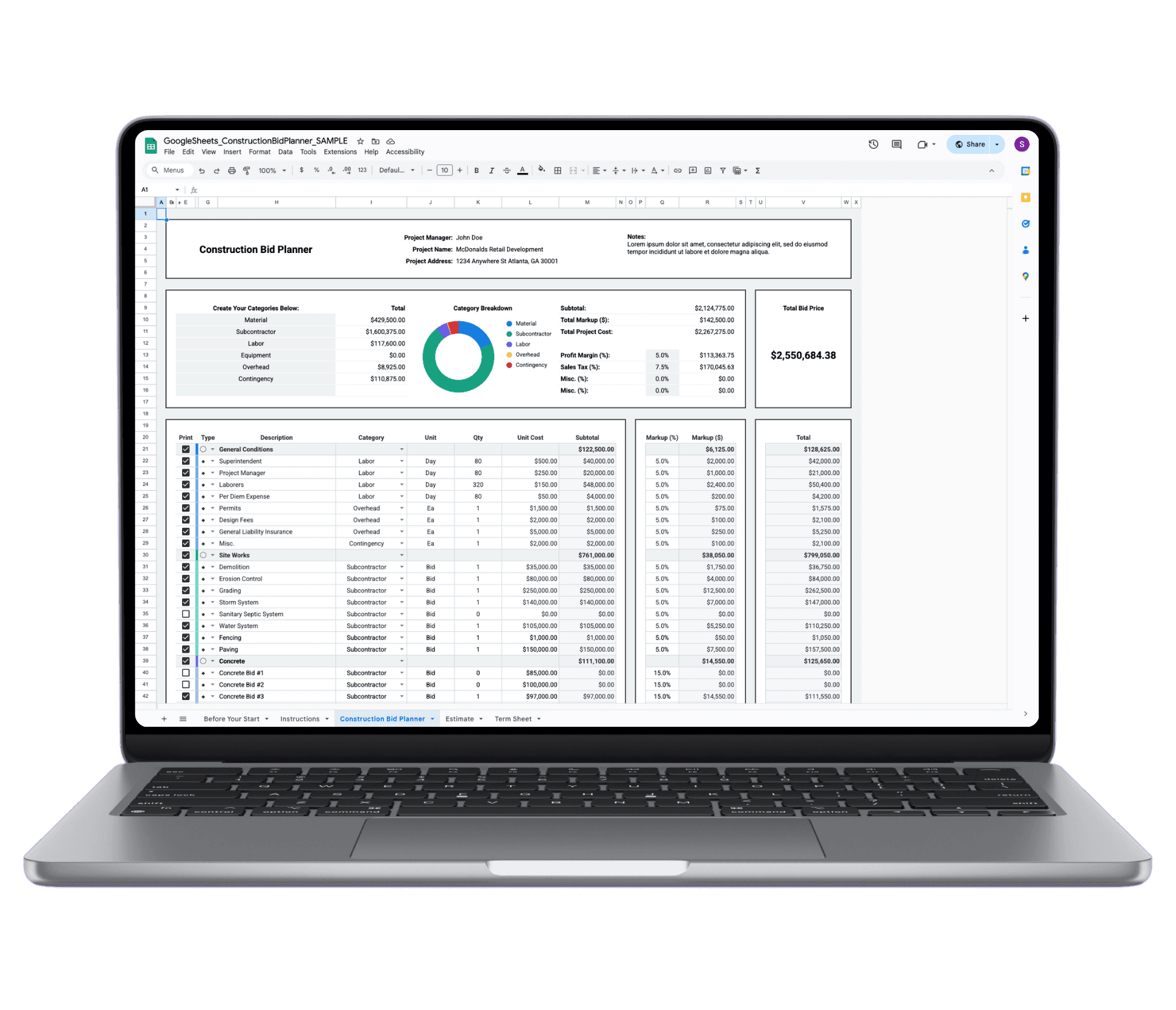
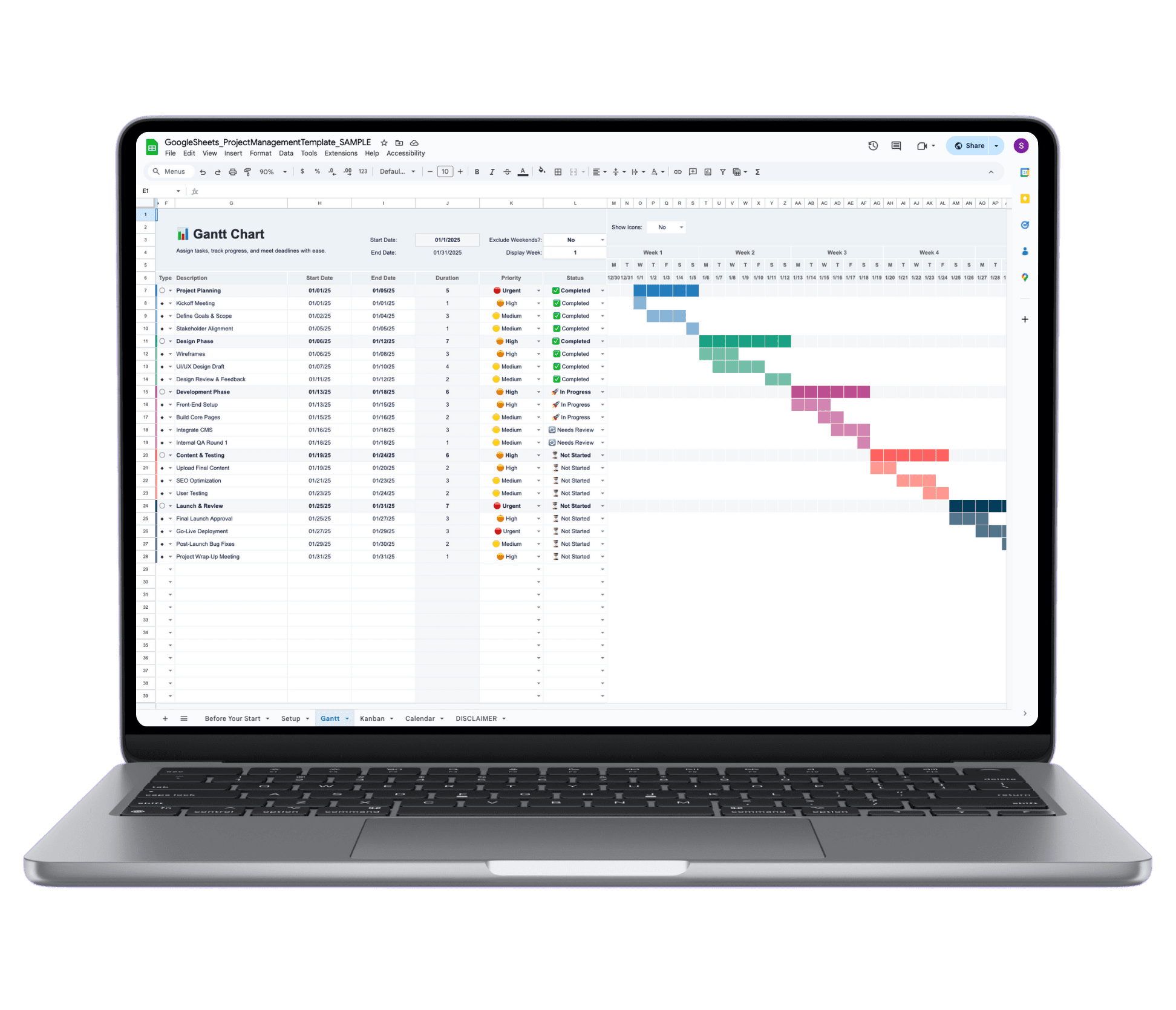
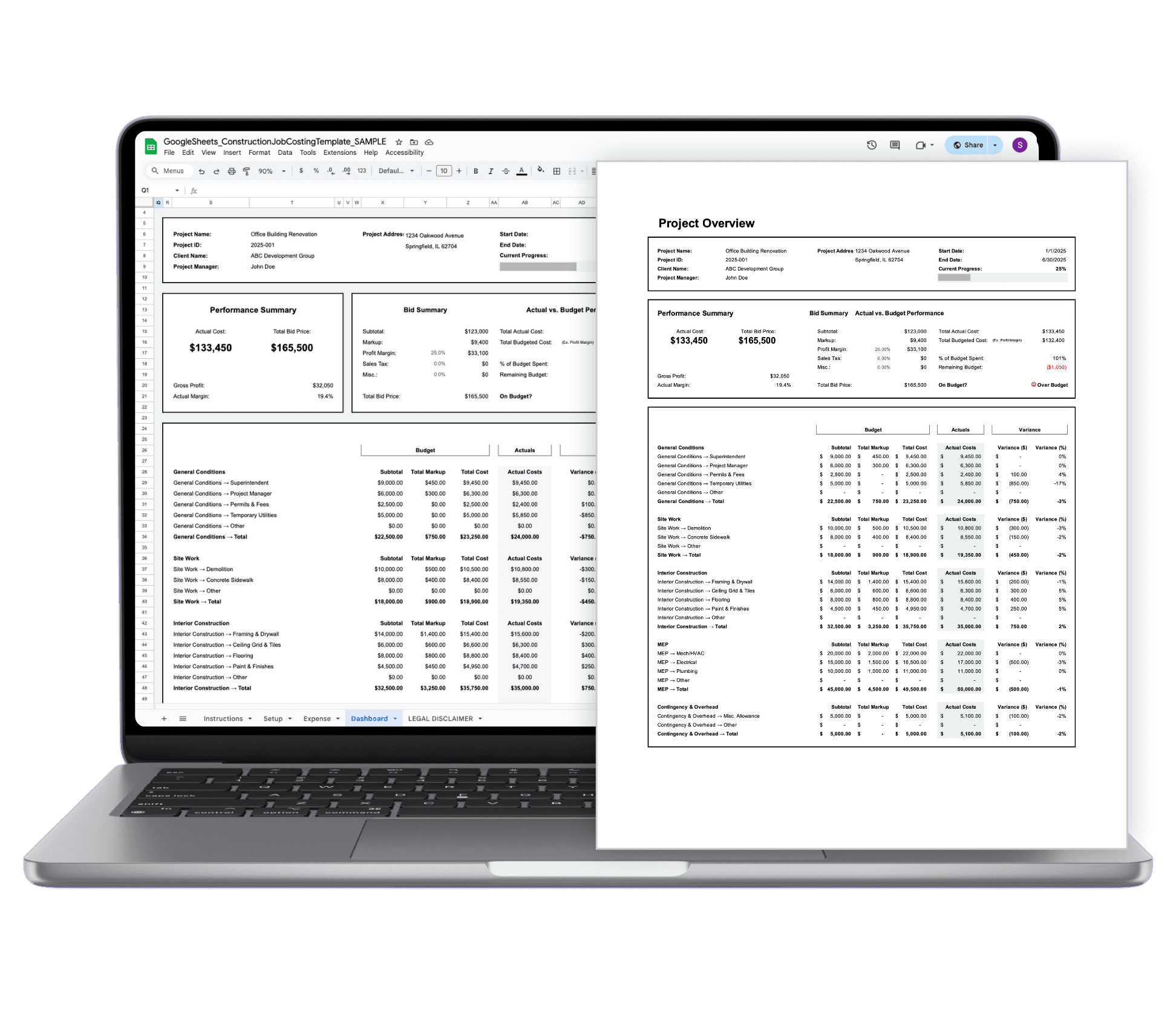
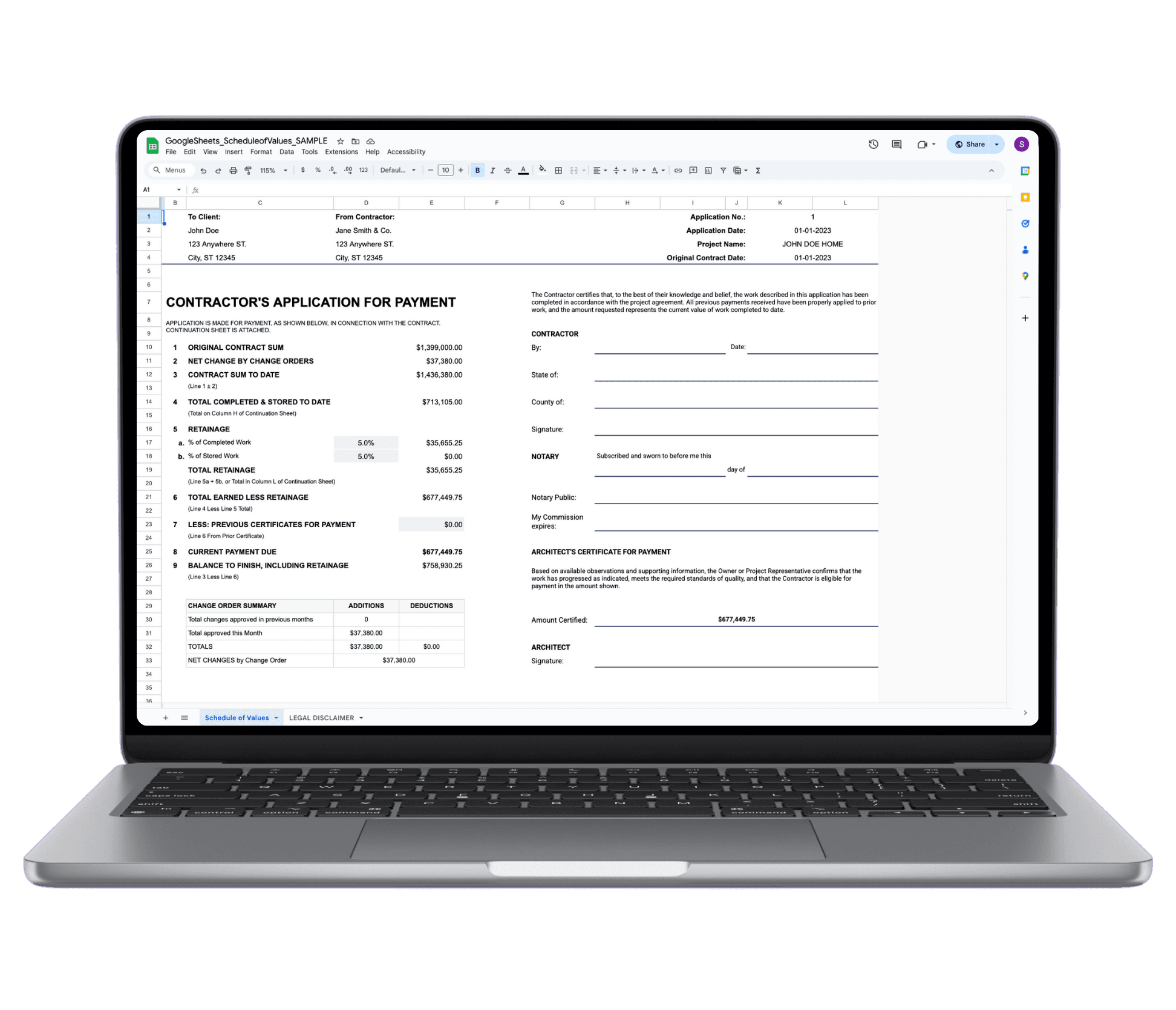
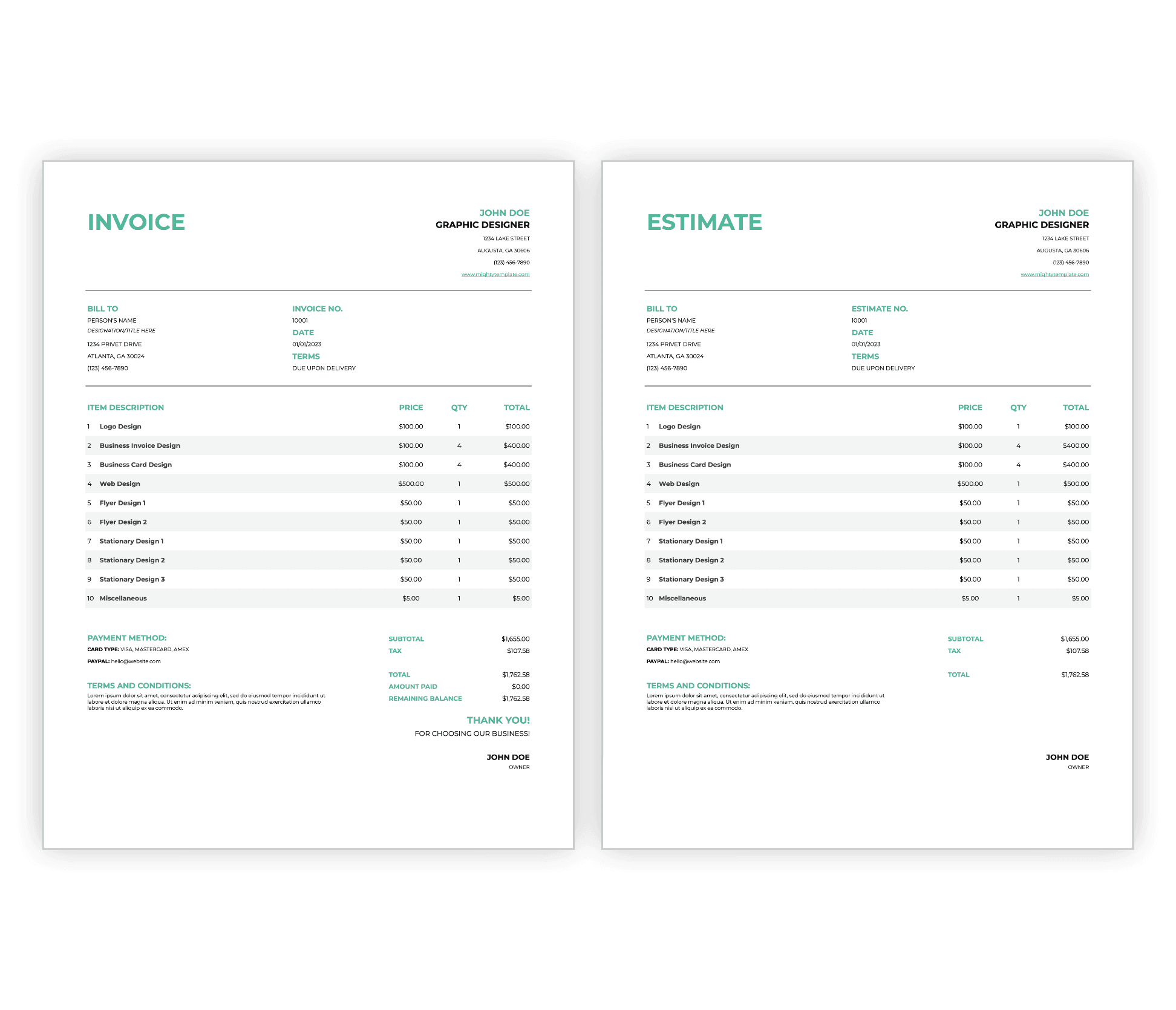
See what else you get with all-access.
This template is one of many. Browse the full library before you buy.